Help Centre » Student » FAQ » How do I create a CDLI account (NLSchools User)?
How do I create a CDLI account (NLSchools User)?
Creating a CDLI account for NLSchools users is very easy. While logged in to your NLSchools Google account, click the waffle icon in the top-right corner.
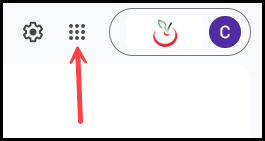
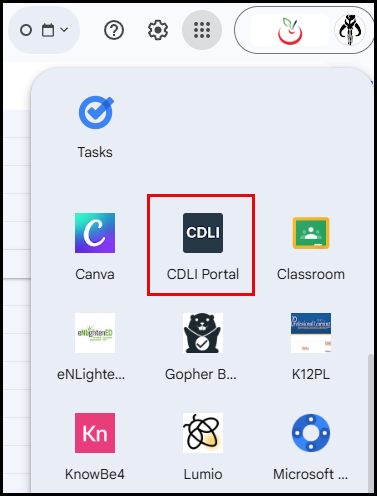
With the waffle open, scroll down to the bottom group of icons, and you will find one called CDLI Portal. Click on it.
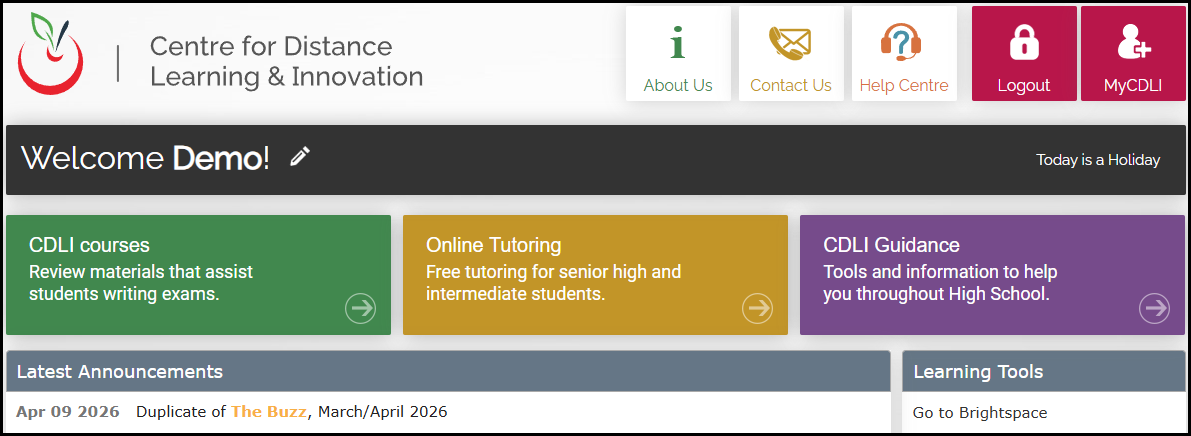
If the NLSchools user does not have an existing CDLI account, one is created immediately, and the user is redirected to the CDLI portal and automatically logged in. The CDLI username will be the first part of their @nlschools.ca email address.
If the user has an existing CDLI account and their NLSchools email address is in the CDLI account profile, the user is redirected to the CDLI portal and automatically logged in.